AQUAFUZE™ Ink
UV-LED INK
UV-LED INK
UV-LED INK
UV-LED INK
UV-LED INK
MP INK
MP INK
ECO-SOLVENT INK
ECO-SOLVENT INK
ECO-SOLVENT INK
ECO-SOLVENT INK
ECO-SOLVENT INK
SUBLIMATION TRANSFER INK
Water Based
Water Based

RIP Software
ECO-SOLVENT INK
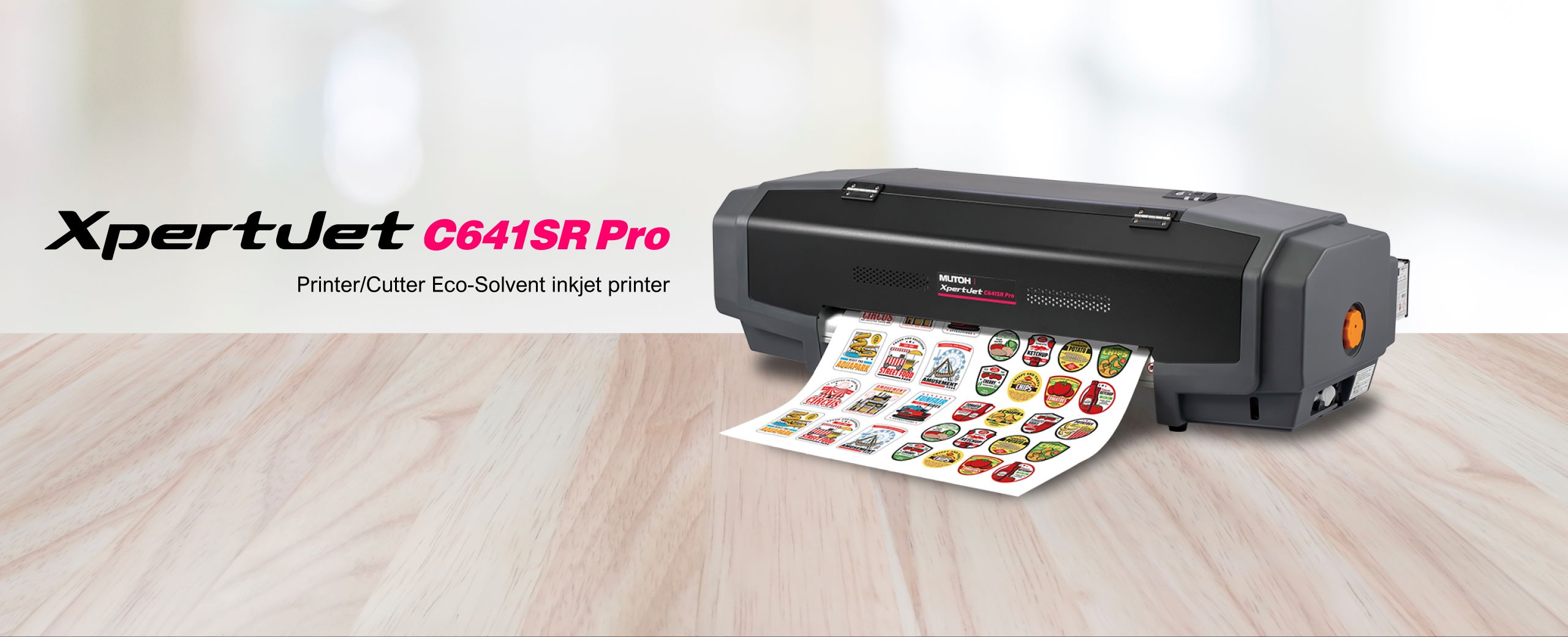
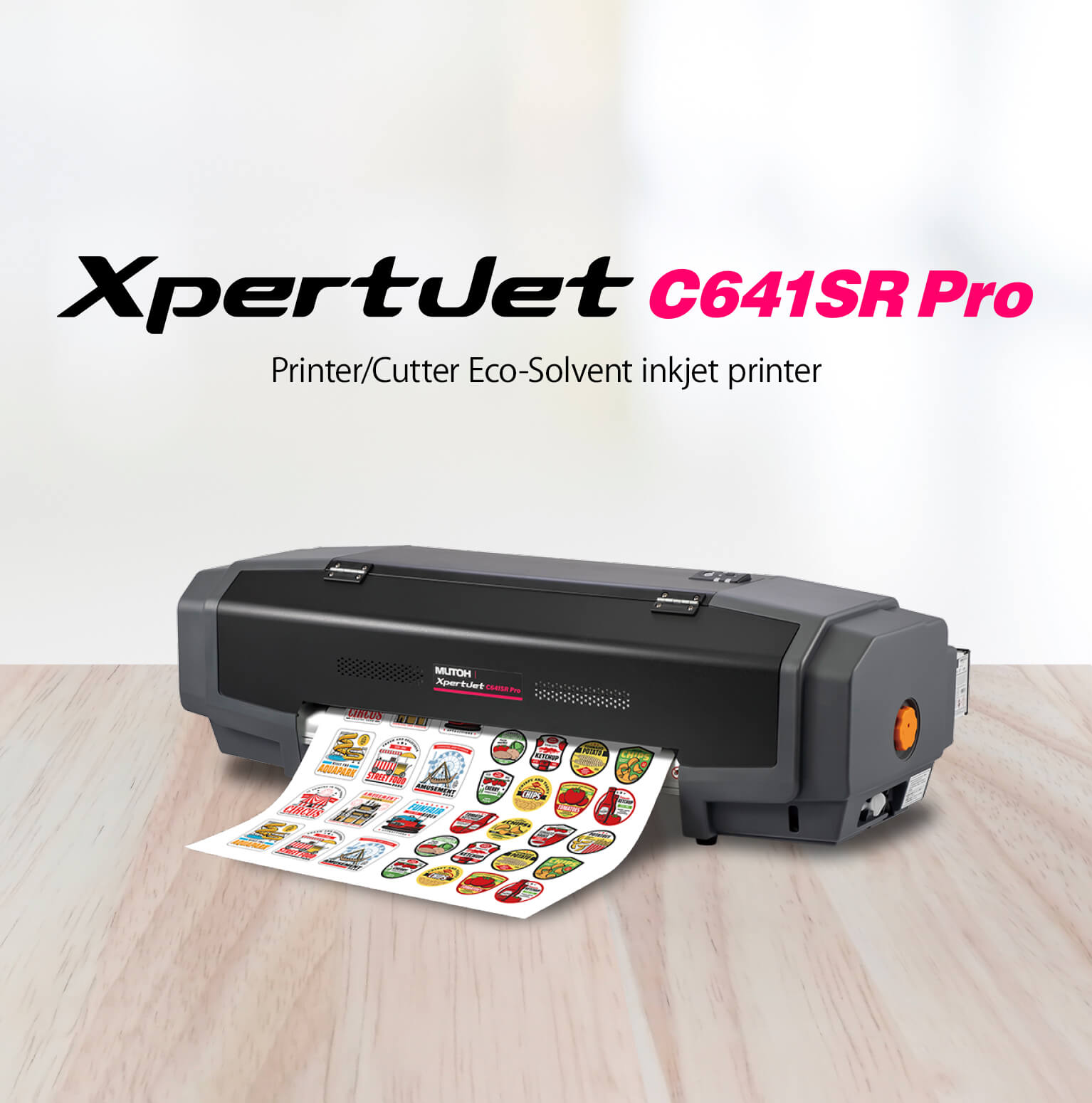

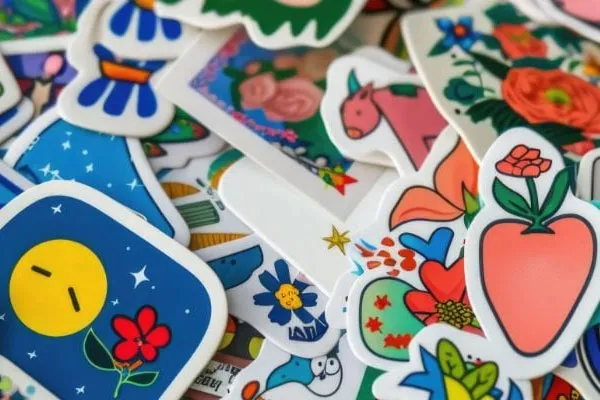



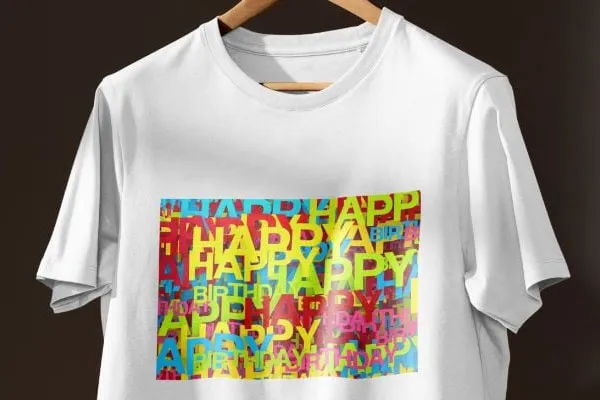
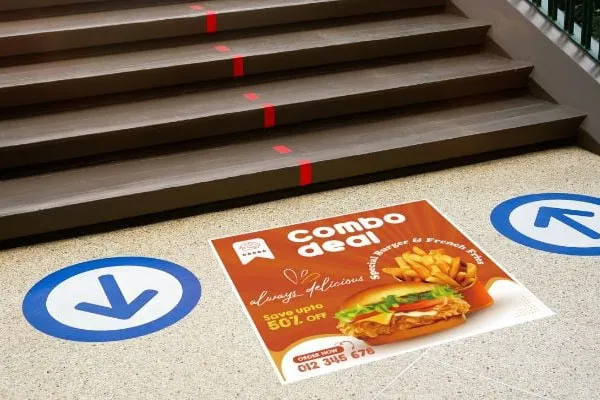
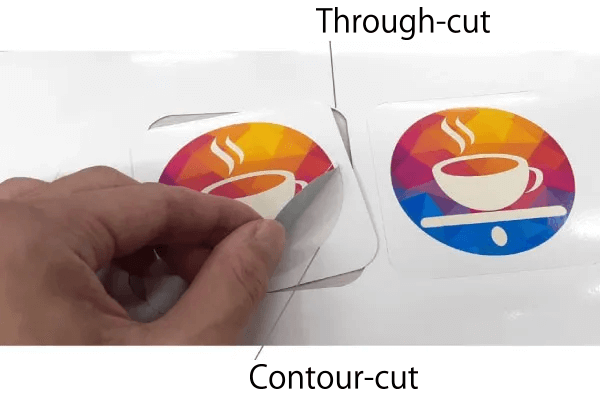
This machine supports both “contour-cut” and “through-cut” cutting types. The former cuts through the media leaving the release liner layer intact, while the latter one cuts all the way through the release liner while leaving connecting seams.
Cut quality settings
You can select between three types of cut quality settings for curved lines. Choose based on the balance between quality and speed according to the level of curvature of the cut data or the intended use.
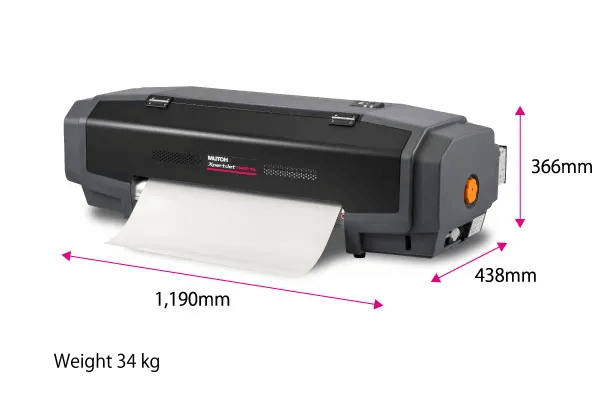
Its compact size and light weight make this printer easy to install, meaning it can be operated according to your preferred style. Use it on a desktop or in a combination of a dedicated stand with a take-up unit. This machine can be operated according to your needs even in limited spaces, such as offices or stores.
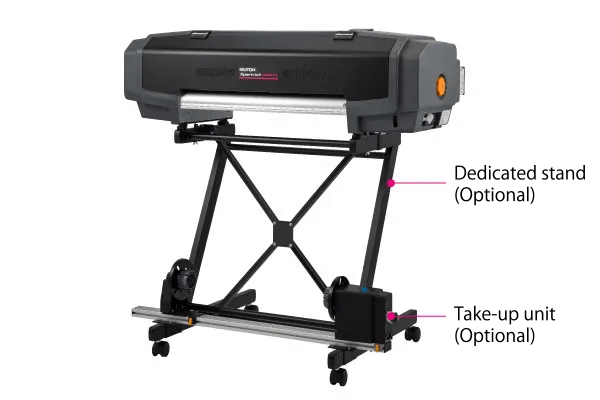
Both the stand and the take-up unit for media up to 10 kg are available as options.
VJ-MS31 is a MUTOH genuine eco-solvent ink. It has a wide color gamut, delivers high-quality printing, and possesses excellent weather, abrasion, and chemical resistance. Moreover, it doesn’t clog the nozzles easily and provides effortless maintenance.
This ink is GREENGUEARD Gold Certified, making it suitable for indoor use.
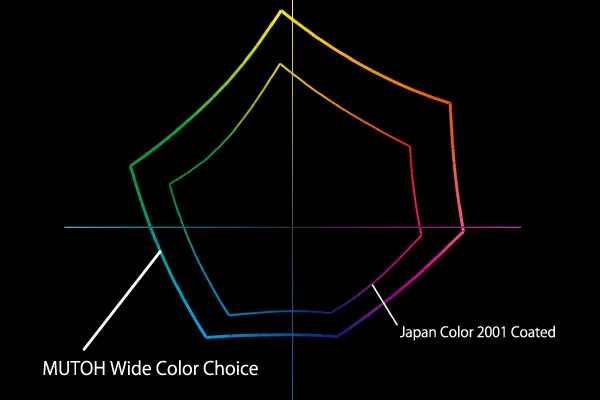
MUTOH Wide Color Choice focuses on dark color areas that were previously difficult to reproduce, expanding the color range. It maximizes the performance of MUTOH inks, enabling printing with even better color reproduction than before.

Reduces banding and achieves smooth printing by arranging ink dots to consider how they appear to the human eye.
View details

i-screen is a print effect that was built upon MUTOH's Intelligent Interweave technology. It optimizes the AccuFine print head and arranges the ink dots according to how they appear to the human eye, resulting in reduced banding and smoother printing.
We offer a variety of effects, including i-screen, i-screenFine, and i-screenFineX, that match your printer model specifically.
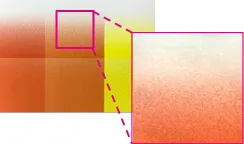
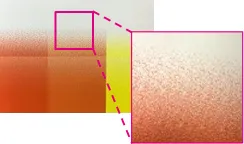

Temporarily prints using selected areas of active nozzles when clogged nozzles fail to recover.
View details

Nozzle Area Select is a safety function that ensures uninterrupted operation.
When nozzles are missing, printing can be performed temporarily using only active nozzle blocks by automatically selecting one of the 6 available function modes, allowing you to continue operation with minimal printer downtime.
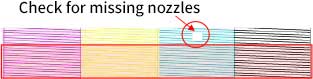
Print a nozzle check pattern, exam available nozzle blocks, and select a suitable mode. (6 modes available)
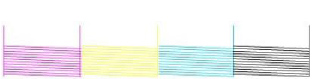
Continue printing using only available nozzles. Printing efficiency drops to approx. 50-60%, but you can continue operation without replacing the print head.

Manages the remaining media with barcodes, enabling efficient media consumption and usage.
View details

When removing media, a barcode is printed on the end of it to record the remaining media amount.
When reloading, the barcode is read by the sensor, and the remaining capacity is recognized, which prevents media from running out during printing and reduces waste.
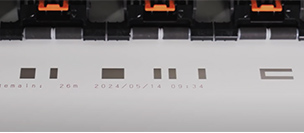
Media information is also printed in text, allowing you to check it yourself by reading it without having to scan
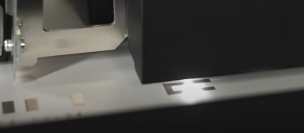
Automatically adjusts ink landing position during bidirectional printing to achieve sharp, high-quality printing
View details
This function automates the bidirectional adjustment process (which previously required visual inspection and manual input) by printing a pattern and scanning it with a sensor.
This not only lessens the amount of work required from the operator but also saves time and reduces variation in adjustment among operators, ensuring the same results across different jobs.

If the ink landing position is not aligned in both directions, both letters and images will visually double up.
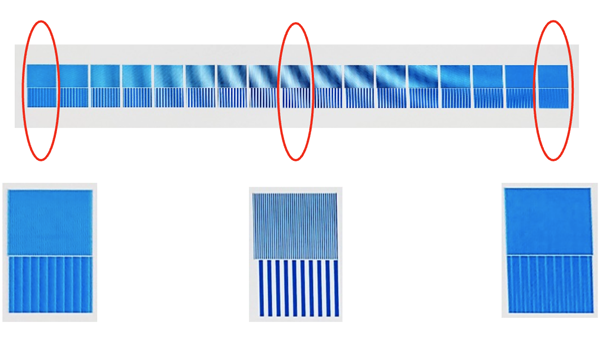
The sensor reads the data and automatically applies corrections
The ink landing position is automatically adjusted, making letters and images appear clear

Automatically corrects the media feed by printing a pattern and reading it with a sensor
View details

Previously, media feed correction was done with a ruler and manually entering data. This functions automates this process by printing a pattern and reading it with a sensor.
This not only lessens the amount of work required from the operator but also saves time and reduces variation in adjustment among operators, ensuring the same results across different jobs.

If the media feed amount is
incorrect, white or black lines may
appear in the printed image
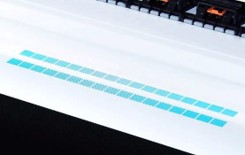
Automatically calculates and
reflects feed correction

Beautiful clear image

This RIP software boasts high image quality thanks to MUTOH’s proprietary technology MUTOH Clear Tone, a preview function that reduces printing errors, and a printing environment (preset function) that streamlines workflow.
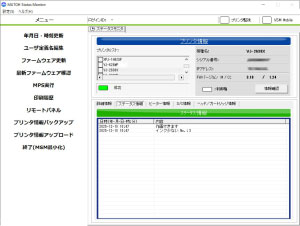
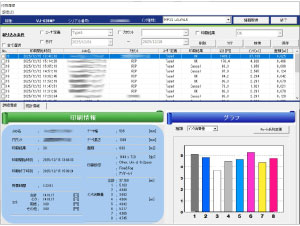
Check printer status in real time.
View Details

This software monitors the status of a printer on a PC connected to the printer via a network.
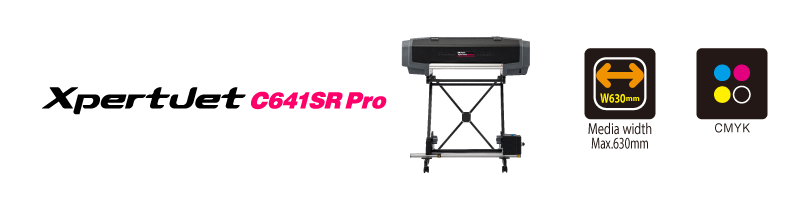
| Printer model | XPJ-C641SR-P | |
|---|---|---|
| Print head | Print method | On-demand piezo drive system |
| Height | Low: 1.5 mm, High: 2.8 mm | |
| Number | 1 | |
| Media | Roll media width *1 | Maximum: 630 mm Minimum: 198 mm |
| Max. thickness (Printing) | 0.4 mm (set to Low) *Maximum installable thickness: 0.8 mm | |
| Max. thickness (Cutting) | 0.4 mm (with liner), 0.22 mm (without liner) | |
| Diameter | Ø150 mm or less | |
| Weight | 9 kg or less | |
| Core diameter | 2 or 3 inches | |
| Maximum printable width | 590 mm (Print Only mode: 600 mm) | |
| Ink | Type | Eco-solvent ink (MS31 ink) |
| Color | 4 colors (C, M, Y, K) | |
| Capacity | 220 ml cartridge / 1000 ml ink bag (requires adaptors for ink bags) | |
| Cutting speed | 20–150 mm/sec | |
| Cutting force | 30–300 gf | |
| Cutting offset | 0.00–0.50 mm | |
| Cutting quality | 3 levels (Quality, Production, High Speed) | |
| Heater | OFF / 30–45 ℃ | |
| Interface | Gb-Ethernet (1000BASE-T) | |
| Power supply | Voltage: AC 100–120 V ±10 % / AC 200–240 V ±10 % Frequency: 50/60 Hz ±1 Hz | |
| Print environment | Printer operation | Temperature: 20–32 ℃ Humidity: 40–60 % no condensation |
| Accuracy guaranteed | Temperature: 22–30 ℃ Humidity: 40–60 % no condensation | |
| Power consumption | Operation: 215 W (800 W peak) Sleep mode: 13 W or less | |
| Dimensions (W×D×H) | 1,190 mm × 438 mm × 366 mm (Printer body) / 1,190 mm × 590 mm × 1,166 mm (Dedicated stand) | |
| Weight | Printer body: 34 kg Dedicated stand: 10.2 kg | |
| RIP software | Genuine RIP software VerteLith | |
| Product name | Model | Details | |
|---|---|---|---|
| Optional | IJ-STDX-01 | Dedicated stand (StandX) | |
| VJーHCIPADPT | High capacity ink adapter | 4 pieces | |
| IJ-SCRHT-01 | Scroller (High torque) | ||
| VJ06-TUP10 | Take-up unit (for media up to 10 kg) | ||
| IJ-CEAJ-01 | Cutting edge adjustment jig | ||
| Product name | Model | Details | |
|---|---|---|---|
| MS31 ink | VJ-MS31-CY220U | Cyan (CY) | 220 ml cartridge |
| VJ-MS31-MA220U | Magenta (MA) | ||
| VJ-MS31-YE220U | Yellow (YE) | ||
| VJ-MS31-BK220U | Black (BL) | ||
| VJ-MS31-CY1000U | Cyan (CY) | 1 L ink bag | |
| VJ-MS31-MA1000U | Magenta (MA) | ||
| VJ-MS31-YE1000U | Yellow (YE) | ||
| VJ-MS31-BK1000U | Black (BL) | ||
| Cleaner | VJ-MS31-CL220U | Cleaner | 220 ml cartridge |
| Supply | VJ-HCIPAR | VJ adapter plug (for 1 L) | 20 pieces |
| IJ-WIP-02 | Replaceable wiper set | 2 pieces | |
| VJ1608-FB-SO20 | Flushing pad | 20 pieces | |
| VJ-CB | Cutter blade | ||
| RH2 Clean stick | Cleaning stick | 100 pieces | |
| J-RLCLNK-01 | Rail cleaner kit | ||
| DROPPER 6PACK SET | Dropper 6 pack set | 6 pieces | |
| IJ-CHD-01 | P&C cutter holder | 1 piece | |
| IJ-CBL-01 | P&C cutter blade 55° | 1 piece | |
| IJ-CMAT-01 | P&C cutting mat | 2 pieces | |
| VJ-ULVA1-ML500U | Maintenance cleaner | Bottle, 500 ml | |
MUTOH INDUSTRIES LTD.
3-1-3, Ikejiri, Setagaya-ku, Tokyo
Copyright©MUTOH INDUSTRIES LTD. All Rights Reserved.