AQUAFUZE™ Ink
UV-LED INK
UV-LED INK
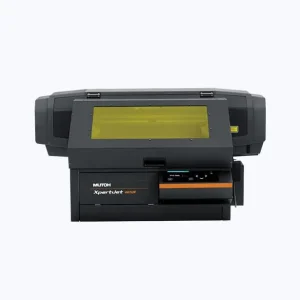
UV-LED INK
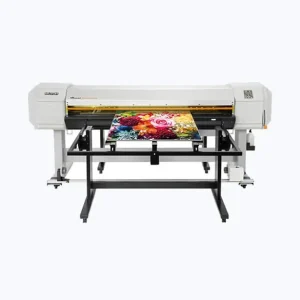
UV-LED INK
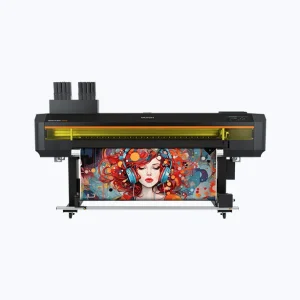
UV-LED INK
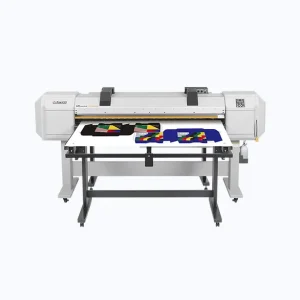
MP INK
MP INK
ECO-SOLVENT INK
ECO-SOLVENT INK
ECO-SOLVENT INK
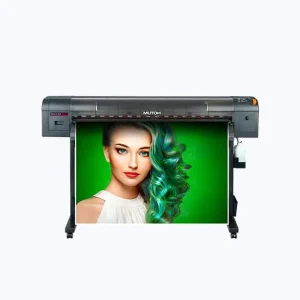
ECO-SOLVENT INK
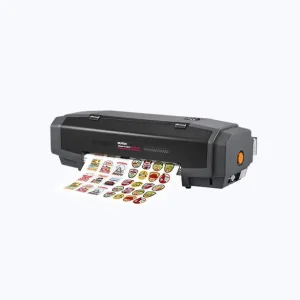
ECO-SOLVENT INK
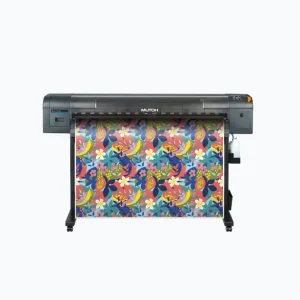
SUBLIMATION TRANSFER INK
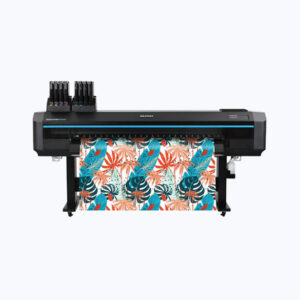
Water Based
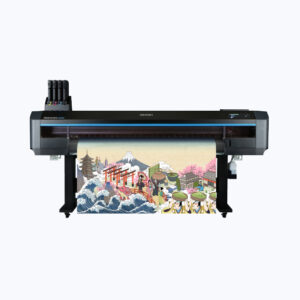
Water Based

RIP Software
RIP Software

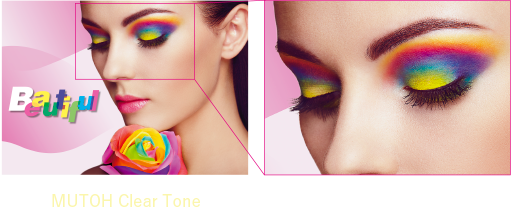
Little density variation
Low graininess
Beautiful image quality
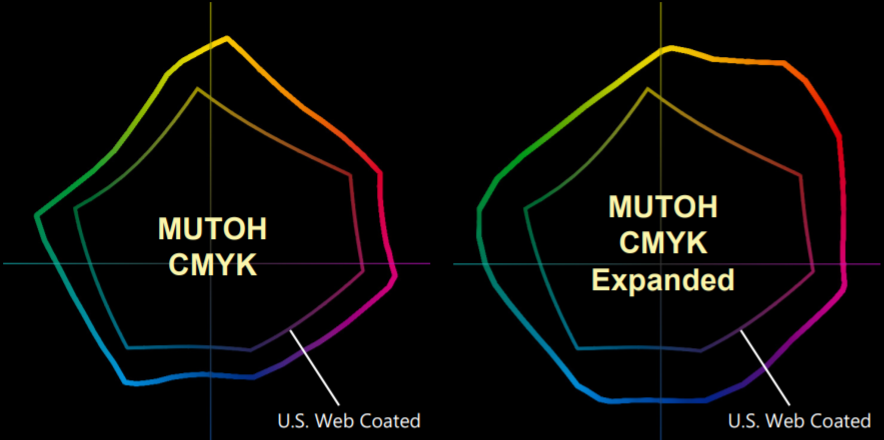
Wide color gamut input profiles that maximize the color gamut of MUTOH printers and enable vivid color expression. MUTOH CMYK Expanded offers support for 8 ink colors (orange included).

Accurately handles PDF transparencies, drop shadows, and other effects, ensuring reliable output.
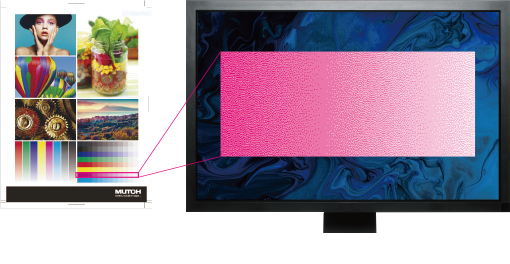
Display the actual print dots on your monitor prior to printing with RIP preview.
Even variable dots can be checked.
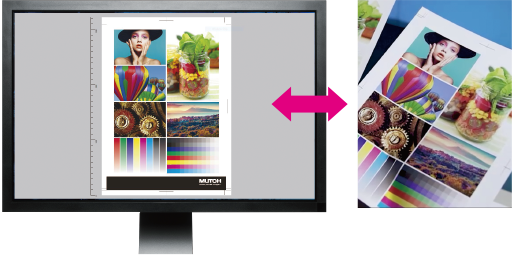
Reproduce colors close to actual
printed results without printing.
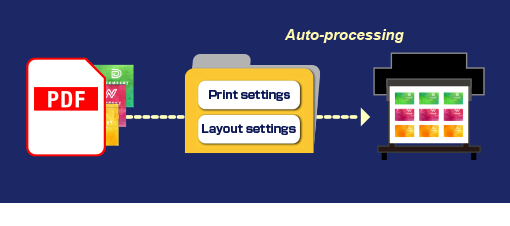
Prepare an integrated multi-job PDF. In addition to “Print settings”, “Layout settings” can be also set in the hot folders.
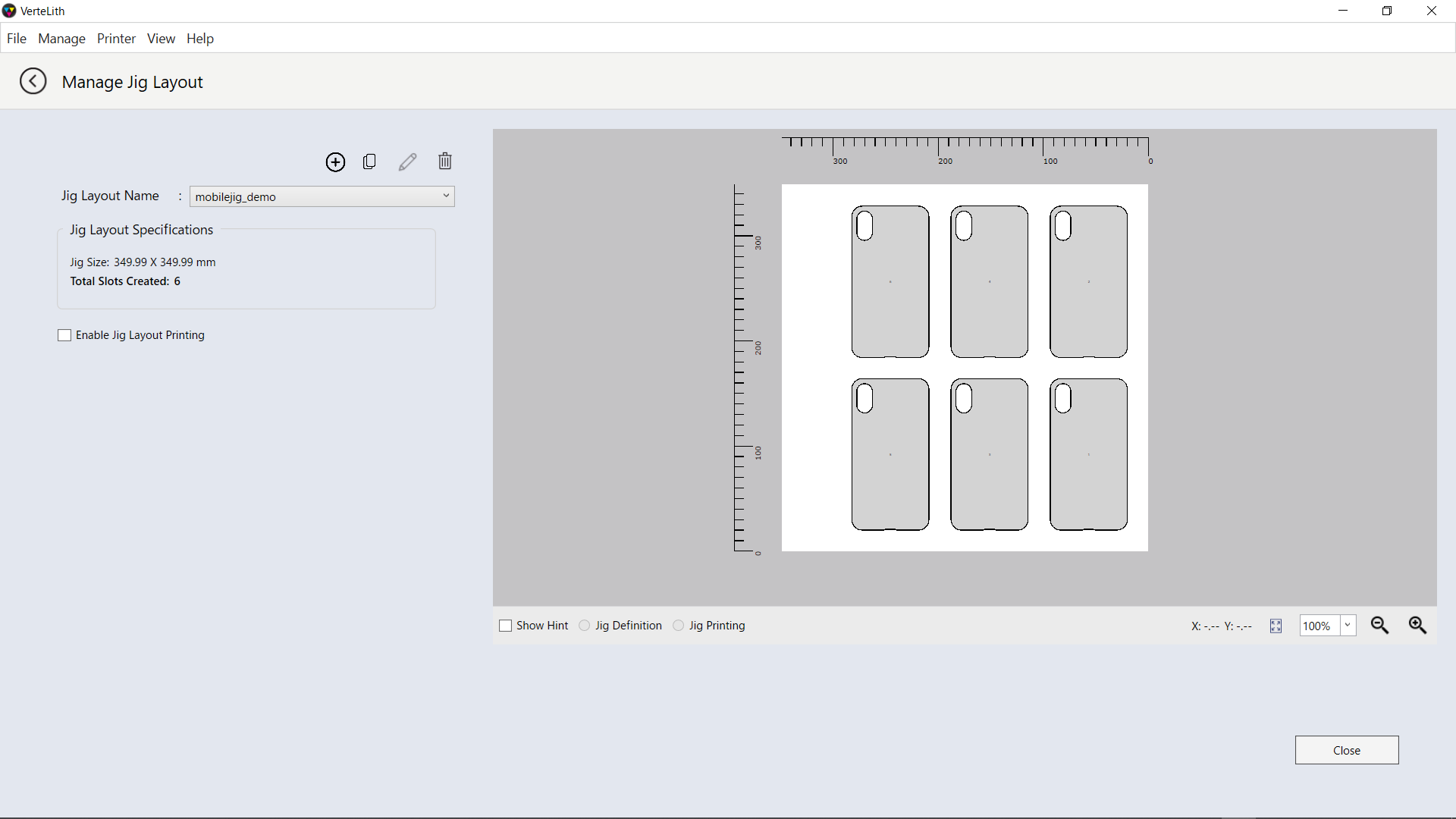
Create and save “Layout settings”, such as layout placements and their number.
Import shape data created in external applications and select layout settings.
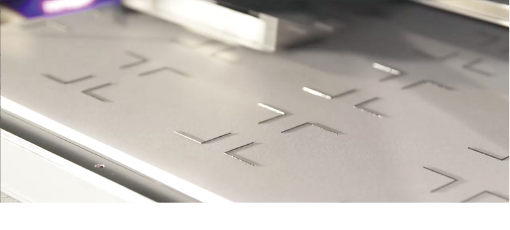
Save time and money required for manual adjustment and jig manufacturing.
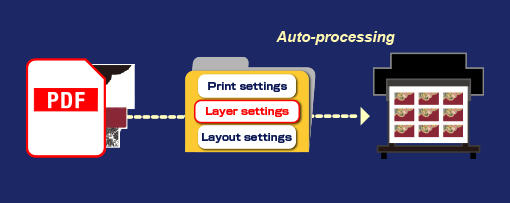
Pre-set multi-layer printing settings.
Prepare PDFs with layers divided into pages.
In addition to “Print settings” and “Layout settings”, “Layer settings” can also be set using hot folders.
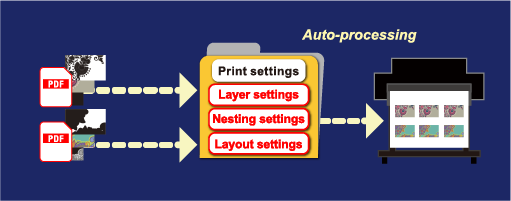
For multiple multi-layer jobs, a series of processes including print, layer, and nesting settings can be set in a hot folder for automatic processing.
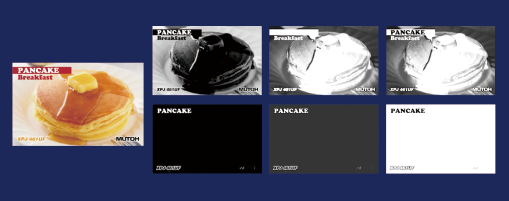
Automated generation of spot data.
Select from 6 different modes.
| OS | Windows 11 |
|---|---|
| CPU | Intel® Core™ i53 GHz or better |
| Memory | 8 GB or more |
| Hard Disk | HDD or SSD (SSD is recommended when output to multiple machines 500 GB or more *1) |
| Interface | Ethernet*2 USB 2.0 or better*3 |
| Display resolution | 1920 x 1080 pixels or higher *4 |
| Supported data | PDF1.7/2.0, PostScript, EPS, TIFF, JPEG, PNG |
MUTOH INDUSTRIES LTD.
3-1-3, Ikejiri, Setagaya-ku, Tokyo
Copyright©MUTOH INDUSTRIES LTD. All Rights Reserved.